
Big files, made small – no upload, no subscription.
iOS version coming soon.
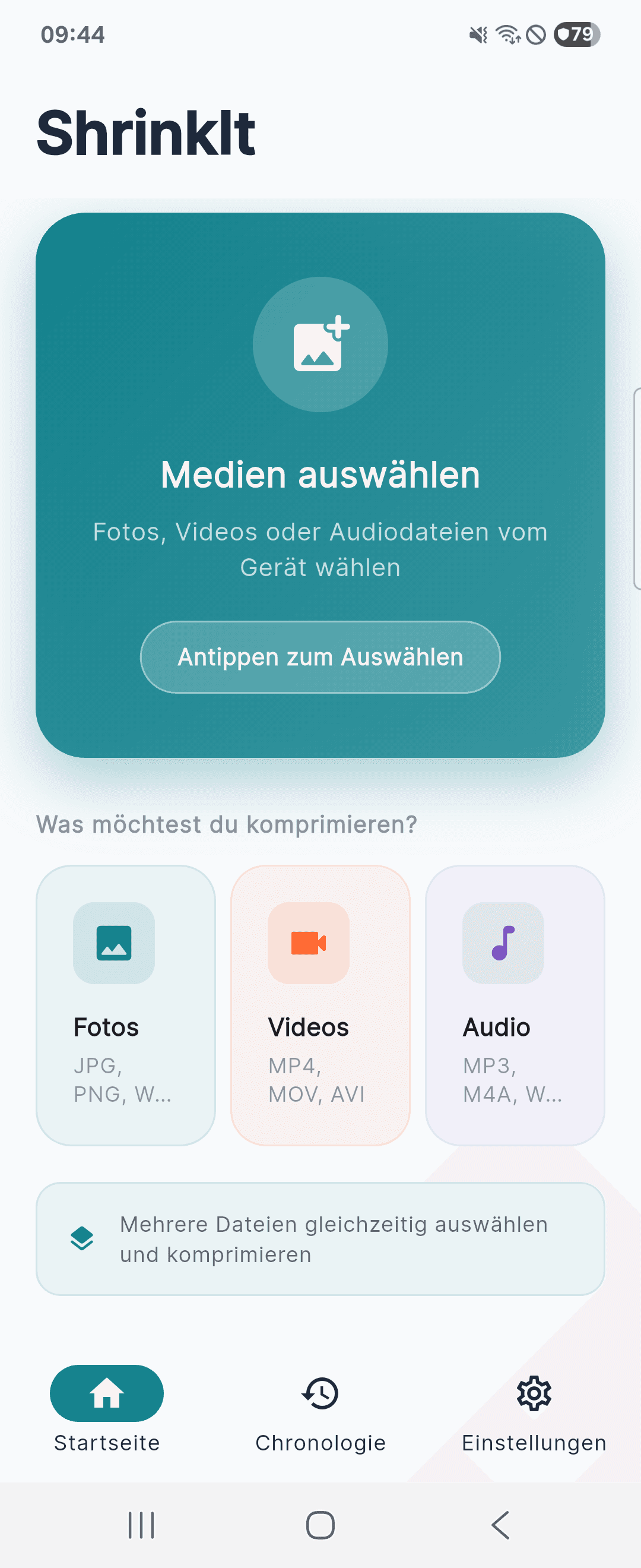
Your storage is full, and every new photo, video and song makes it worse. ShrinkIt makes big files small – right on your device.
No sign-up, no account, no cloud. Your files never leave your device – because ShrinkIt has no server to send them to. Compression runs on your device's own codecs and works without an internet connection.
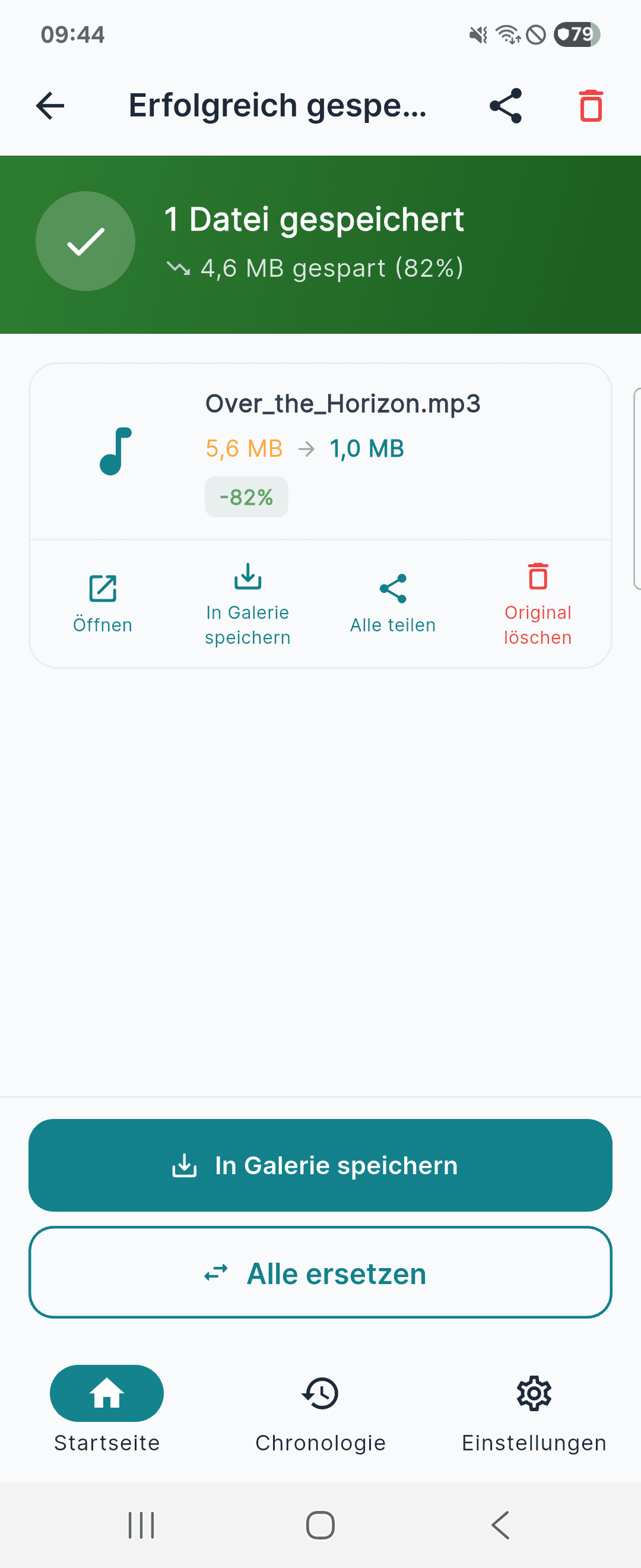
And you see how big the file will be before you save it – measured, not guessed. Originals are only removed if you explicitly confirm it.
Features
Photos with a size preview
JPG, PNG and WebP. Pick a quality level and see the resulting size before saving – or set a target size directly.
Videos in three levels
MP4, MOV and AVI. Three quality levels for the quick route, with live progress you can cancel at any time.
Audio with real controls
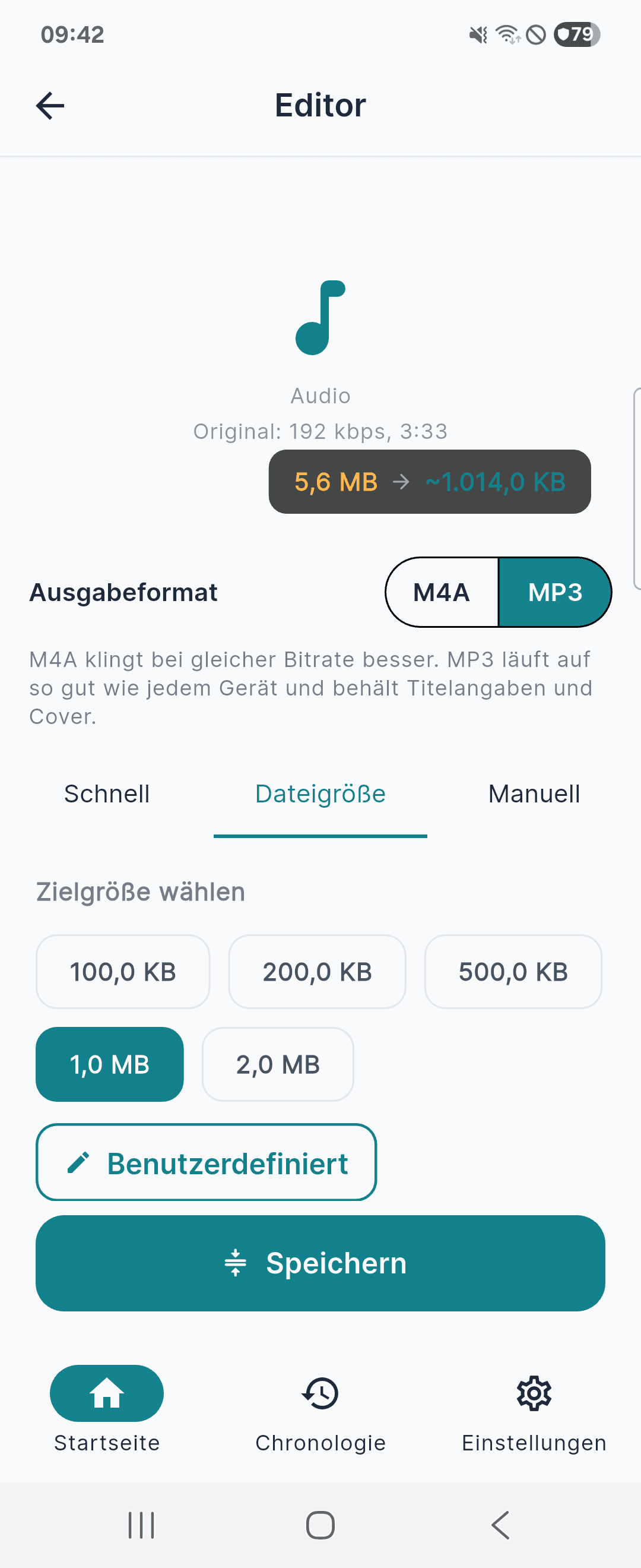
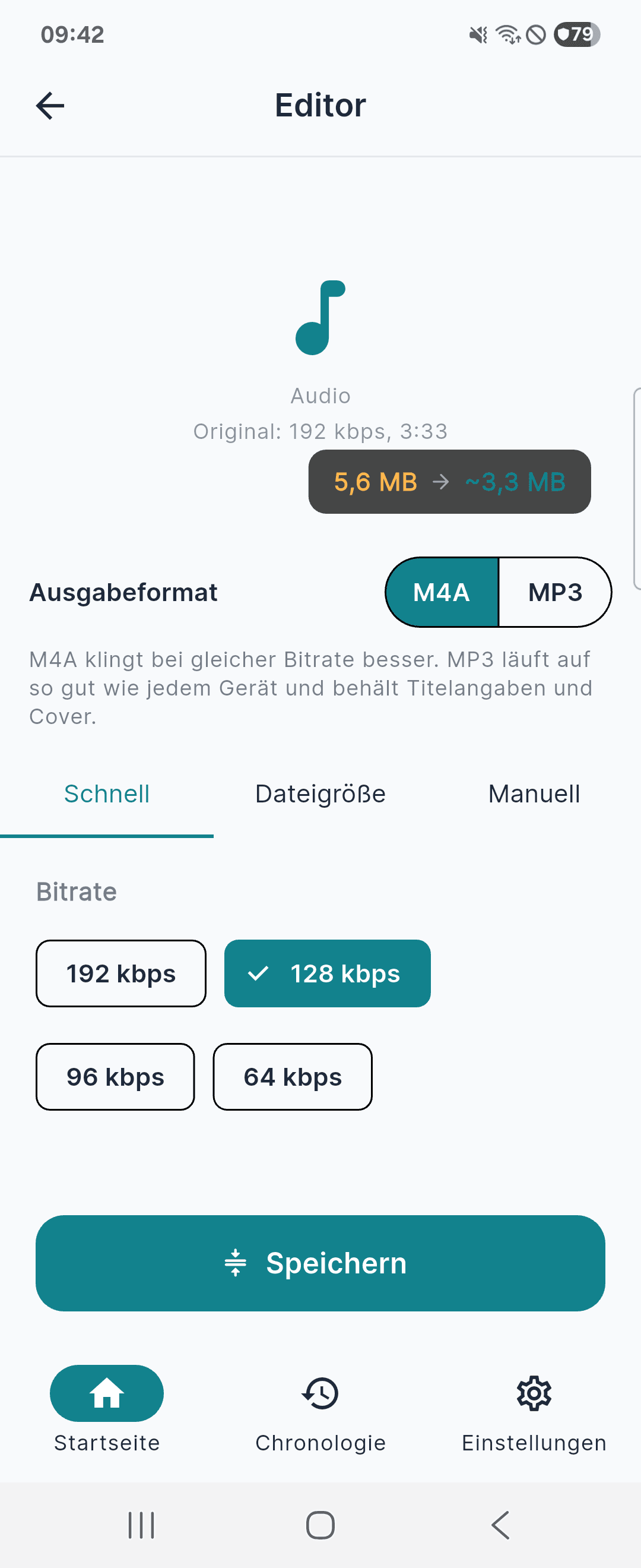
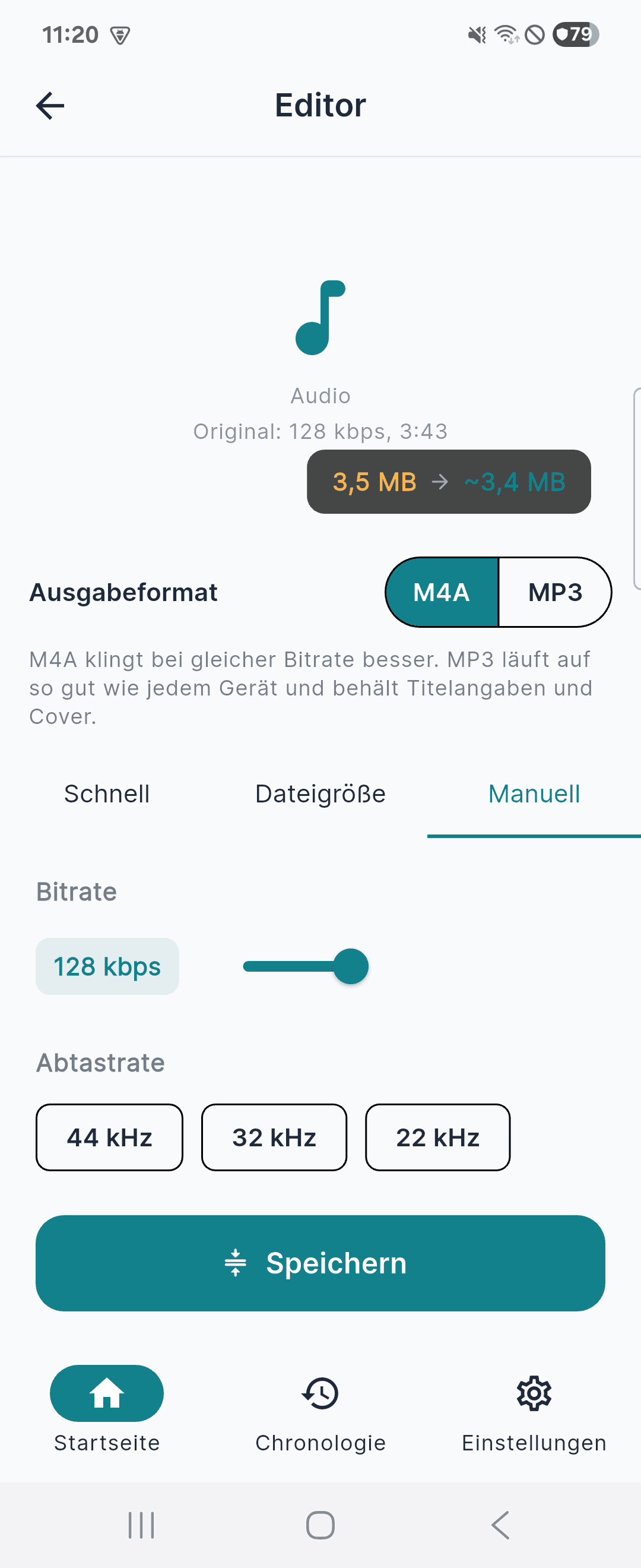
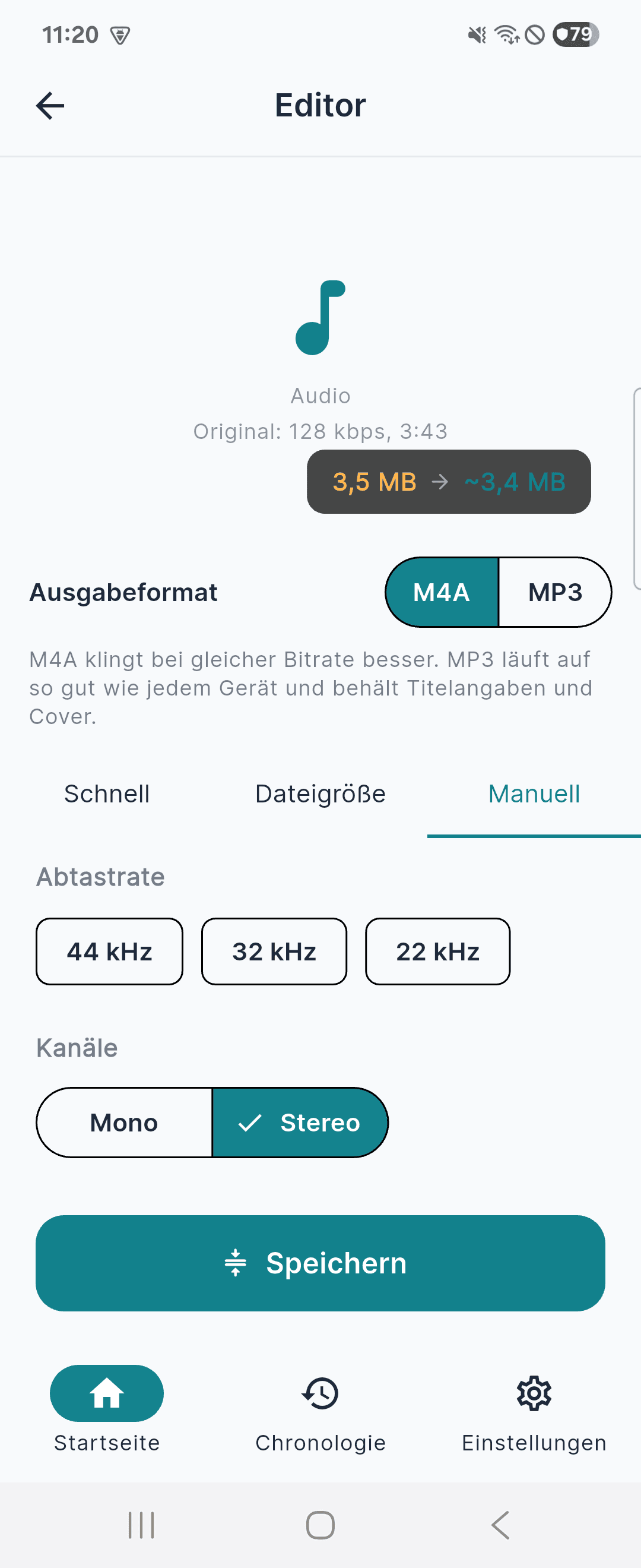
MP3, M4A, WAV and AAC. Set bitrate, sample rate and mono/stereo yourself – instead of a single slider.
Choose your output format
M4A sounds better at the same bitrate. MP3 plays on virtually any device and keeps track details and cover art.
Several files at once
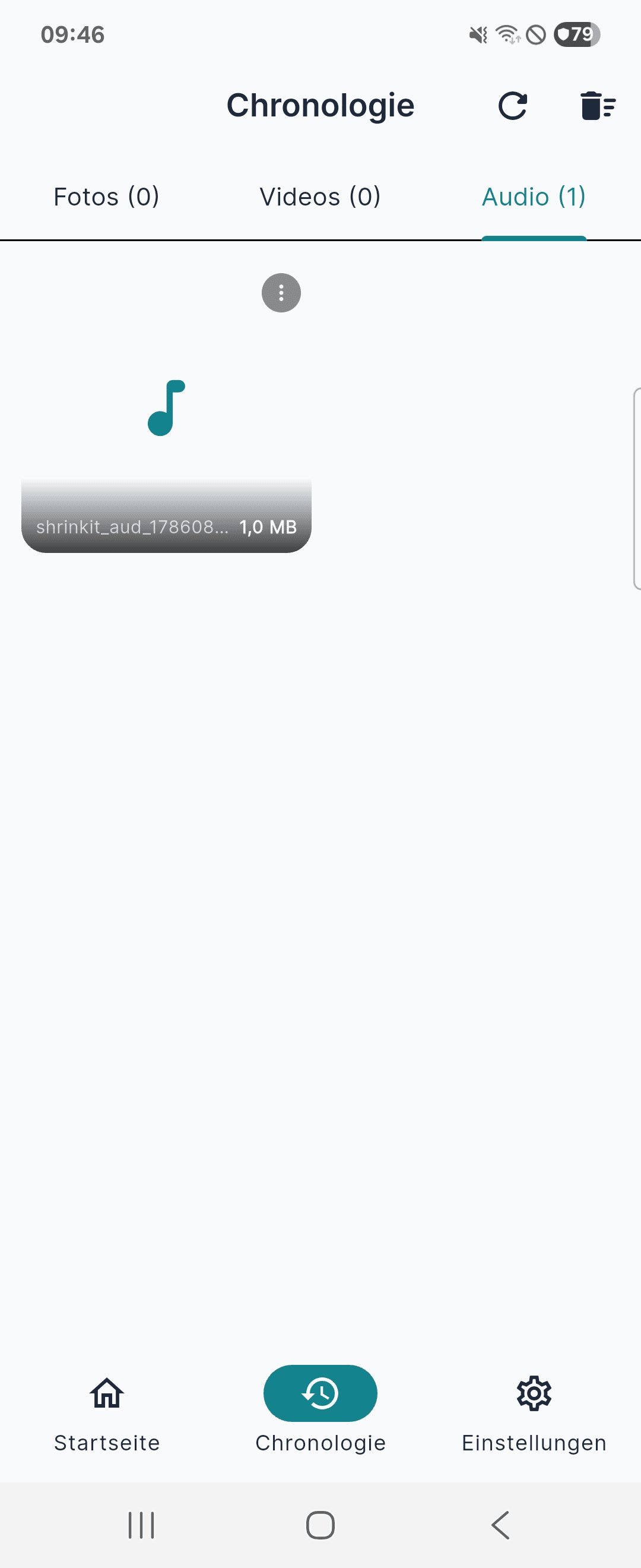
Process multiple files in one run. The history keeps photos, videos and audio apart – open, share, save to your gallery or delete.
Genuinely local
Nothing is uploaded, nothing analysed, nothing passed to third parties. Shrinking works just the same with no connection at all.
Pricing
One-time purchase – no subscription, no recurring costs.
- Up to 5 files per run
- Files up to 5 MB (images), 60 MB (videos) and 10 MB (audio)
- All formats and settings
- Ad-supported
- Up to 100 files per run
- No file size limit for images, videos and audio
- No ads
A closer look
Legal information for ShrinkIt: